Financial file converters that just work.
Convert, repair, and prepare bank statements for QuickBooks, Quicken, Excel, Xero and more — instantly in your browser. Fast, private, and free.
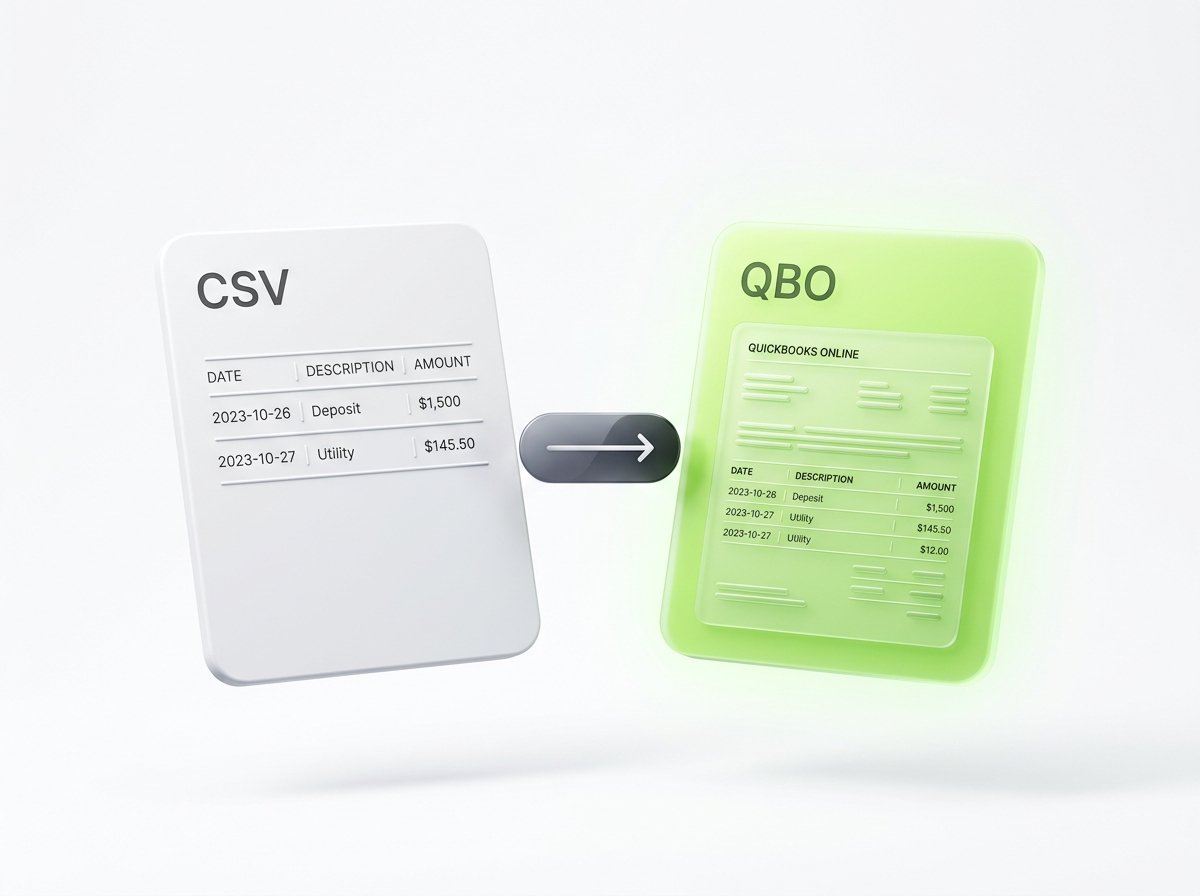
CSV to QBO
Turn any bank or credit card CSV into a valid QuickBooks Web Connect .QBO file ready for 1-click import into Bank Feeds.
Open Converter →Popular converters
Most used tools for small businesses, accountants, and bookkeepers.
CSV to QBO
Convert bank or credit card CSV downloads to QuickBooks .QBO Web Connect format.
QBO to CSV
Extract transactions from .QBO files into clean CSV or Excel format.
CSV to IIF
Create balanced .IIF files for QuickBooks Desktop with proper TRNS and SPL entries.
OFX to QBO
Convert bank .OFX statements to QuickBooks .QBO with correct formatting and bank IDs.
QFX to CSV
Convert Quicken .QFX statements into readable, formatted CSV and Excel files.
CSV to QFX
Generate Quicken-compatible Web Connect .QFX files from any spreadsheet.
QIF to QBO
Convert legacy Quicken Interchange (.QIF) records into valid QuickBooks .QBO format.
MT940 to CSV
Parse SWIFT MT940 (.sta) bank feeds into standard tabular Excel CSVs.
QuickBooks error & repair tools
Fix common import errors and clean problematic files.
Fix OL-222 Error
Repair corrupted .QBO files that trigger QuickBooks Error OL-222 with automated cleaning.
Fix OL-301 / OL-393
Resolve expired, unrecognized or discontinued bank ID issues in .QBO files.
Merge QBO, OFX, CSV
Combine multiple monthly statements into a single unified file sorted chronologically.
Credit Card CSV Flipper
Flip debit and credit signs for credit card statements so charges import correctly.
US bank & payment processor presets
Pre-configured settings for popular banks and payment platforms.
Universal Conversion Workspace
Drop any bank statement or credit card export below for instant 100% private conversion.
Convert your statement
100% private in browser memory. Bank files never leave your device.
Drop your statement here, or browse files
CSV, QBO, OFX, QFX, IIF, QIF, MT940, and CAMT.053 XML. Multi-file batch upload supported.
Built for CPAs, bookkeepers, and US businesses.
Bank downloads are plagued with obsolete 1997 SGML syntax, inverted credit card signs, and discontinued desktop imports. FinFormat eliminates these roadblocks instantly.
QuickBooks Desktop Sunset
Bypass Intuit's $1,200/yr subscription lockouts. Convert .QBO and .CSV into balanced double-entry .IIF files that import into discontinued desktop versions forever.
1-Click OL-222 / OL-301 Fix
Stop editing Notepad files. Automatically sanitize illegal ampersands, cap payee names at 32 characters, and patch valid INTU.BID codes.
Credit Card Sign Inversion
Fix Amex and credit card statements where expenses export as positive numbers, preventing them from importing as deposits.
Stripe & PayPal Fee Splitting
Separate Gross revenue and processing fees into balanced journal entries so bank reconciliation matches to the penny.
Your financial data never touches a server.
Every parsing algorithm, regex transformation, and file generation routine executes locally in your browser memory. Inspect the source or open devtools network tab — zero bytes are transmitted.
Frequently Asked Questions
Expert answers to the most common questions accountants, bookkeepers, and business owners encounter when converting bank statements and importing transactions into QuickBooks and Xero.